
Name-Based Case Searches
A name search works when the case number is unknown. The clerk's counter is the practical route. Give the staff a party name or case style, a rough year, and the likely division. Do not guess at wildcard rules or result limits on the paid state system. It reveals its exact name fields only after you enter its workflow. Similar names prove nothing. Treat any name match as a lead. Then confirm the case style and court before relying on it.
- Identify whether the matter belongs to Circuit, District, Probate, Tuskegee Municipal, or Notasulga Municipal Court.
- Gather the full legal name or case style and an approximate filing year. Add the case type if known.
- Use the official paid state service or ask the proper clerk to search the available index. Follow only the fields actually shown.
- Compare the court, division, case style, filing year, status, and disposition date before opening a result.
| Search Detail | Type | Needed | Use |
|---|---|---|---|
| Party name or case style | Text | When number is unknown | Starting locator at the clerk or supported paid interface |
| Approximate year | Year | Strongly preferred | Narrows similar names and older files |
| Court or division | Category | Strongly preferred | Routes the search to the right index |
| Case type | Category | If known | Separates civil, criminal, traffic, domestic, and other matters |
The official Macon County trial-court site helps you identify the state court and its local division before any search begins. It hosts no anonymous name-results database.
Macon County Case Search Online
Alabama gives each trial court case a single remote viewing route called Just One Look. It is not free. You pay per case, and Alacourt.com subscriptions cover heavier use. Prices and on-screen field names live on the service itself. Check there before you rely on either one for a Macon County docket search.
The official e-filing links page lays out that one-case access route. It does so in the state's own words.
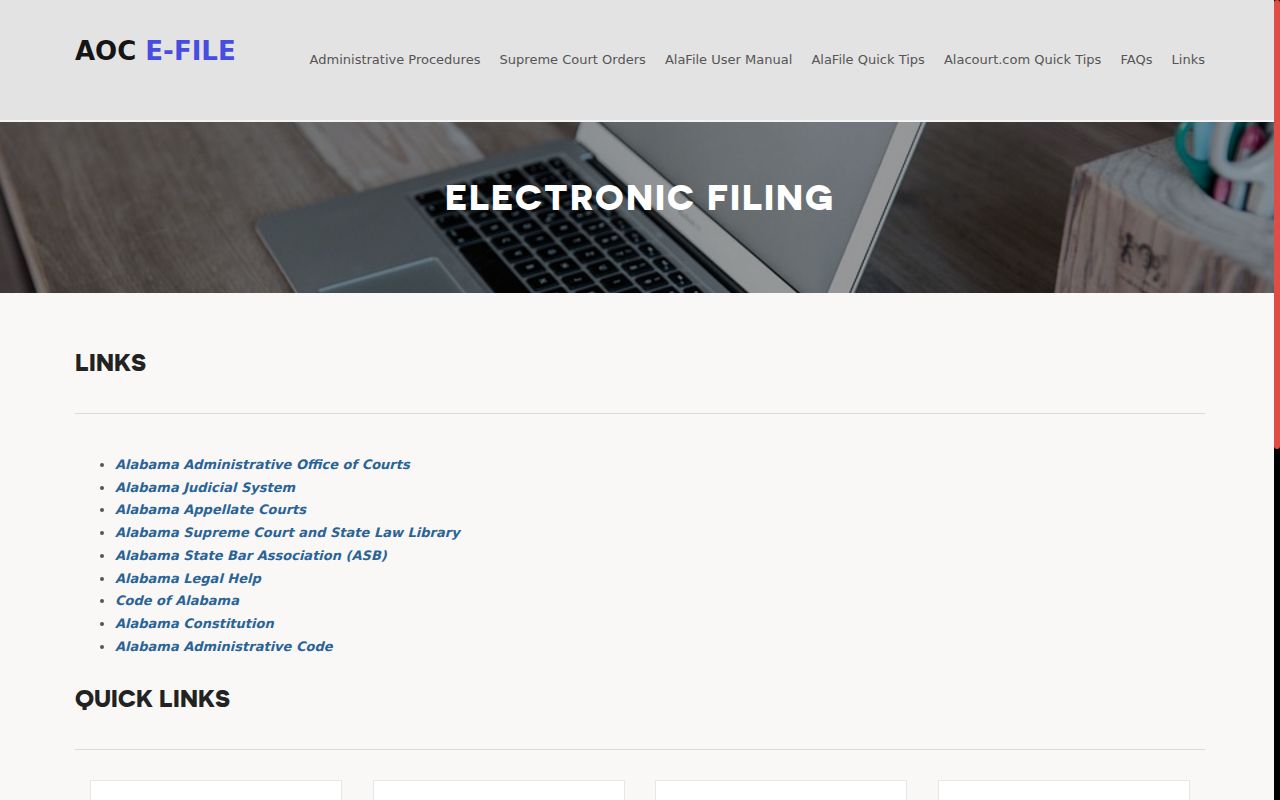
The state link tells you where the service fits in a Macon County search. It does not turn the county website into the database. It also cannot replace a clerk inquiry for a court date or a restricted record.
Case Number Searches
A complete number is the most reliable Macon County locator. Alabama's existing-case workflow splits the search into County | Division | Case Year | Case Number. That is the documented four-part finder. It is not a claim that every printed number follows one punctuation pattern. Copy the number exactly as it appears on a notice, pleading, citation, or order. Enter the other parts when the system asks for them. A number missing its division or year can fail. Those fields tell the system which index to query. Select Macon as the county. Pick the correct division, then type the case year and number. Match the returned header to the case style and court before trusting the result. If nothing appears, recheck digits, year, county, and division before concluding no record exists.
Macon County Case Search Fields
The four-part structure mirrors how Alabama files cases. It works best for a known state trial-court matter. It does not reach a city ordinance case in municipal court or an estate held by the Probate Office.
- County
- Select Macon so the search uses the correct county trial-court index.
- Division
- Choose the division shown on the source record, such as circuit civil, circuit criminal, district civil, traffic, or domestic relations.
- Case year
- Use the year component associated with the filed case, not merely the year of the latest hearing.
- Case number
- Enter the unique number from an official case document without dropping meaningful digits.
The workflow then uses "Find Case." Review the returned header anyway. One wrong digit, division, or year can pull up a valid hit on the wrong case.
Case Search Results Explained
Alabama calls its chronological court index a case action summary. A Macon County result can show header data, parties and roles, entries, settings, disposition information, and financial fields where public. Paid or authorized access may add electronic images. Courthouse inspection is another lawful route. The entry list is only an index. The complaint, motion, order, or judgment behind each entry is the actual filed document.
| Case locator | County, division, case year, and case number used to identify the record. |
|---|---|
| Case style | The formal caption and party roles used to distinguish similar results. |
| Filed date and status | When the matter began and whether the record shows it as open, closed, or otherwise disposed. |
| Action entries | Filed date, generic title, specific description, filing party, and image availability where shown. |
| Settings | Notice or order date, hearing date, time, type, court, judge, and location when supplied. |
| Disposition | The coded or described resolution and date, subject to later motions or appeal activity. |
Read the Macon County action list from oldest to newest, then focus on the newest entries. A later order can change an earlier setting or clarify a vague title.
Macon County Case Search Entry Labels
Alabama's electronic filing design explains a common sight. Two similar documents can look different in Macon County search results. A filer picks a generic Title and adds a more specific Description. Both fields feed the case action summary and its index. So a broad title like "Motion" may say little. It may not help until you read the description or the filing itself. The Alabama electronic filing overview separates the state's filing, research, and clerk-processing systems.
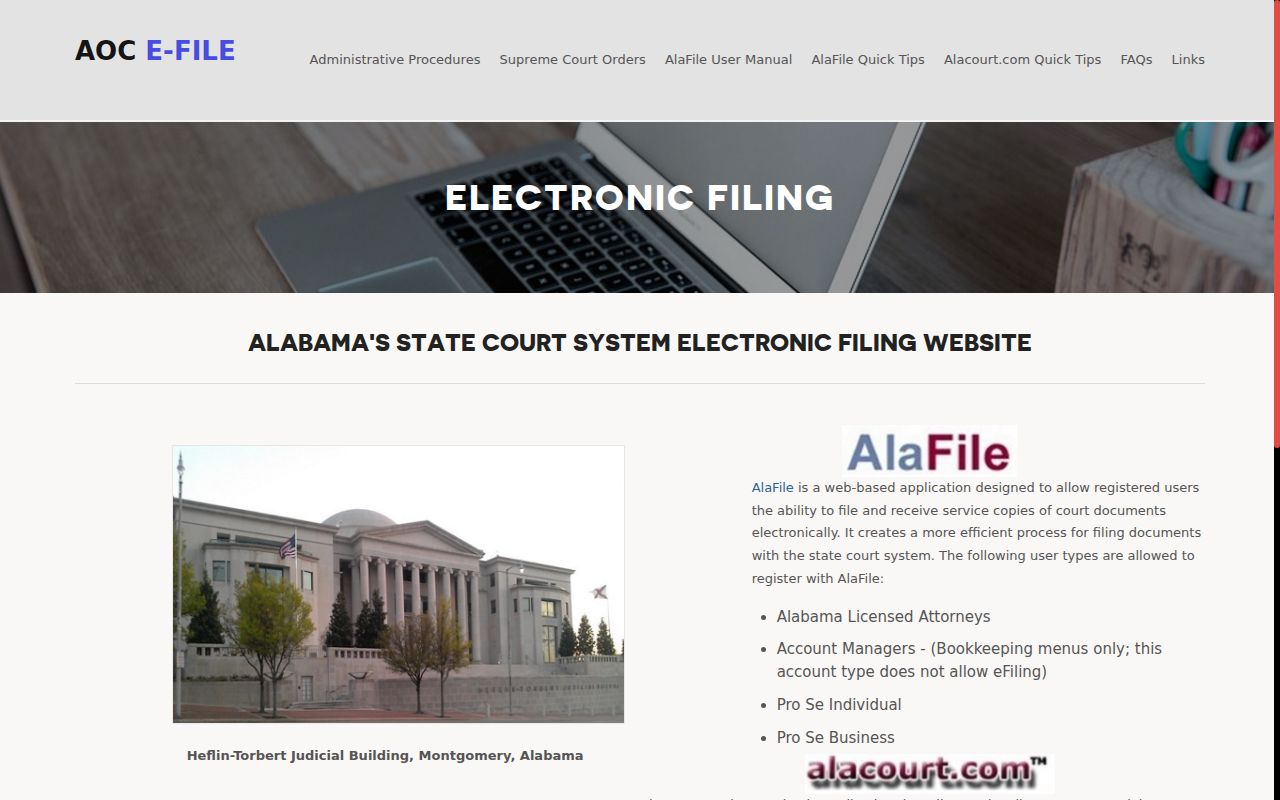
That split keeps a Macon County search focused. Research is read-only through Alacourt services, filing happens in AlaFile, and clerks or judges process cases in AlacourtPlus.
Two Ways to Search: County and State
Macon County runs no separate free online case portal. The remote state layer and the local courthouse layer serve different needs. Both cover Circuit and District trial-court records within access rules. The local clerk, though, offers free electronic inspection during regular hours and can route a question to the right division.
| Channel | Access | Best Use |
|---|---|---|
| Just One Look | Paid, one case at a time | Occasional remote retrieval of a known Alabama trial-court case |
| Alacourt.com | Subscriber, read-only | Ongoing remote access to trial-court details and available images |
| Circuit Clerk terminal or counter | Free viewing; copy and certification charges may apply | Local inspection, older-file routing, and direct record confirmation |
| Municipal or Probate custodian | Court-specific | Records outside the Circuit Clerk's state trial-court index |
A statewide service is not always the right office to ask. Start with the court named on your source document, then pick the matching channel.
Macon County Case Search Subscriptions
Alacourt.com is the subscription, read-only system for Alabama trial-court case details and images. It sits apart from one-case Just One Look access. Neither one amounts to free anonymous searching. Check the current official terms, account requirements, and fees on the service itself. Do that before relying on access. The official Alacourt and Just One Look service states its own access terms and pricing.
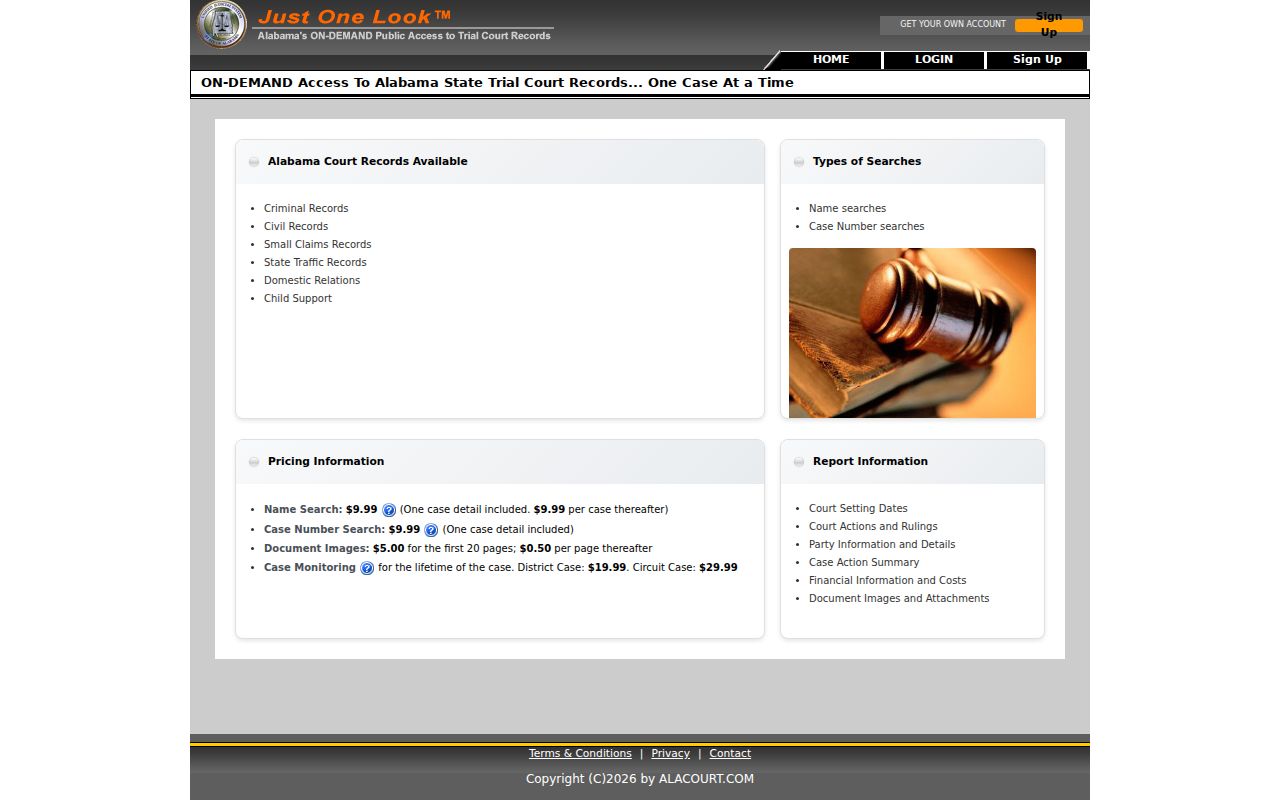
A login gate shapes how this access works. Macon County's clerk still offers free viewing of electronic court records at the office, and that onsite option remains the official fallback for anyone who cannot get remote docket access.
Macon County Case Search vs AlaFile
AlaFile is built for a specific crowd. Registered attorneys, registered self-represented filers, and eligible business users file and serve documents through it. Anonymous docket reading is not its job. AlacourtPlus is something else entirely: the internal application clerks and judges use for processing. A Macon County searcher who treats all three names as one portal will end up at the wrong task. Registration confirms the point. The official AlaFile registration form requires an allowed user type. It also collects identity, contact, and account information before anyone gets in.
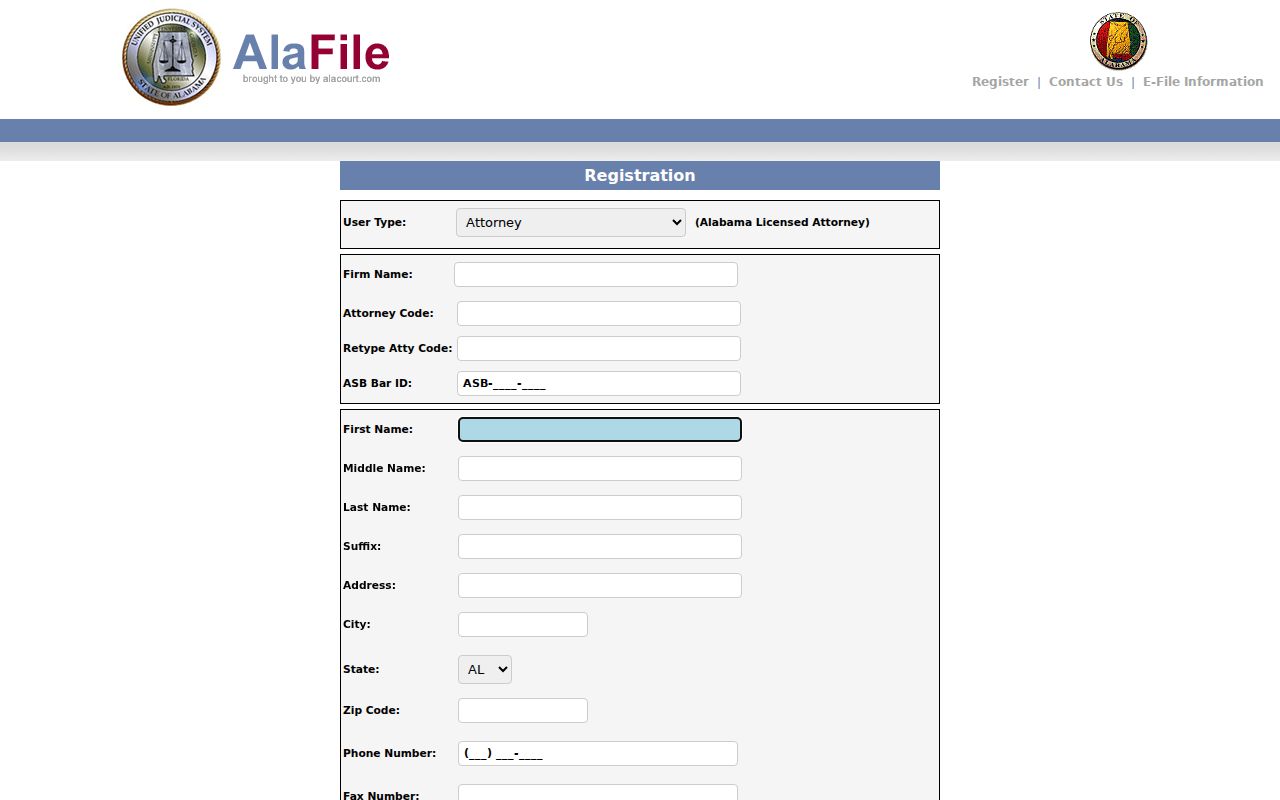
That form shows why AlaFile is the wrong tool for a casual Macon County case lookup. It exists to file, not to browse. A person who just wants a public case action summary should head to the paid service or the clerk's free onsite terminal instead.
Macon County Case Search at Court
Alabama's electronic-filing policy gives the public free onsite viewing of electronic dockets. It also covers filed documents at the clerk's office. For Macon County Circuit and District cases, that office is the Circuit Clerk of Macon County. The address is 101 East Rosa Parks Avenue in Tuskegee. The phone number is (334) 724-2614. Walk-in hours run 8:00 a.m. to 4:30 p.m.
Access distinction: Electronic viewing at the courthouse is free, while copies, certification, and remote services can carry charges.
Bring the full case number if you have it. Without one, staff can work from the case style, the approximate year, and the division. You can ask for inspection, a plain copy, or a certified copy as needed. Older court records may sit in archive storage or paper files. Retrieval can take extra time. Macon County publishes no specific promise about how long that takes.
Macon County Case Search Mismatches
Several results can look equally plausible. When that happens, never pick by name alone. Compare the court, division, case style, filing year, case type, filing date, status, and disposition date before trusting any match. A shared or similar name proves nothing. Cross-check the locator against the complete source document whenever it is available. If nothing comes back, recheck the spelling, the Macon County selection, the division, the year, and the case number. Then consider whether the record is municipal, probate, old, sealed, juvenile, or otherwise confidential. A payment portal is not a full docket. A payment receipt shows only that a payment occurred. It does not show the complete filing or disposition history.
Which Cases Stay Restricted
Public access stops at certain doors. Confidential adult-protective matters, juvenile records, sealed cases, and other protected material may show no details or images remotely, and an entry can stay visible while its document image stays withheld. A missing public result never proves no case exists. For a lawful request on a restricted Macon County case, contact the clerk's office and identify the exact case or document. Ask which rule, statute, or order controls access and what process applies. Skip unnecessary personal identifiers. When a public filing is available, Alabama privacy rules still shield sensitive numbers and require careful handling of minor names and other protected facts.
Macon County Case Search Verification
A successful search is only the first step. Verify the returned header, then read the case action summary in order. Keep an event entry separate from a current setting. A filed notice of hearing can linger in history after a continuance. The newest reset, amended notice, or signed order may control. If clerk staff routes your question to a court office, use the official Macon County court directory. When a hearing carries attendance consequences, follow the Macon County court schedule confirmation chain. Then call the responsible office. For the full contents of an order or judgment, inspect the document itself. Do not infer meaning from the index title. That final check turns a possible match into a reliable case lookup.